
01.
Up to 7.2× faster
A fully custom inference engine and Qwen models retrained for it: hundreds of tokens per second on one card.
5090Ai runs Qwen3.8-27B and Qwen3.6-35B-A3B on a fully custom inference engine built for the RTX 5090, and the models themselves have been completely retrained to run far faster with no loss in quality: around 304 and 782 tokens per second, where standard llama.cpp manages about 72 and 186. And it's free.

Hardware equivalent = speed-up vs standard llama.cpp × $8,500 USD per RTX 5090 (32 GB).
A fully custom inference engine and Qwen models retrained for it: hundreds of tokens per second on one card.
The models were retrained to be sped up without giving anything back: full quality and knowledge, in compact Q4 models.
Runs on your PC. Your prompts and documents never leave it.
Every chat answer is already written up to 7.2× faster than standard llama.cpp. The Local API stacks a second multiplier on top: 5090Ai writes up to four answers at the same time on your one RTX 5090, with no per-token bill however many calls you send.
the work of standard llama.cpp, from the same card. Every answer is exactly the one it gets on its own.
Summarize, extract and classify four files at a time.
Parallel sub-tasks and tool calls without waiting in line.
Support replies, product copy and reports, four in flight at once.
No rate limits, no per-token bills and no provider queue. Nothing leaves your PC.
Measured by XTO Pty Ltd on an RTX 5090 in October 2026 with the parallel test prompts (explanation, story, list, math): total tokens per second while every call is writing. Standard llama.cpp: llama-server b11457, one call at a time. Results vary with the prompts and answer lengths. Qwen3.8-27B answers calls in parallel with its context set to 64K or less (at 128K it answers one at a time); Qwen3.6-35B-A3B at up to 128K (at 256K, its default, one at a time). * 25,000 agent steps a day (8,000 tokens in, 250 out each) at Claude Sonnet 5.5's list price of $2 / $10 per million tokens in / out, October 2026; more workloads. The Local API is free for personal use up to 100 calls a day. Using the Local API for business or more? Unlock unlimited use for commercial work inside the app.
A 32 GB GeForce RTX 5090 costs around $8,500 USD. 5090Ai makes the one you already own run up to 7.2× faster than standard llama.cpp. That's like turning one card into up to $61,200 of RTX 5090 speed, and 5090Ai costs you nothing.
Each model is compared with standard llama.cpp running that same model. llama.cpp already runs Qwen3.6-35B-A3B much faster than Qwen3.8-27B (~186 against ~72 tokens per second), so its multiplier starts from a higher base: it is still the faster model.
Equivalent value = measured peak speed-up vs standard llama.cpp on one RTX 5090 × $8,500 USD per GeForce RTX 5090 (32 GB). It compares speed on a single card; it isn't a multi-GPU setup. Free for personal use, up to 1,000 prompts per day.
The same graphics card, the same models and the same prompts: standard llama.cpp next to the 5090Ai engine, task by task.
Measured on an NVIDIA GeForce RTX 5090 (32 GB): greedy decoding, thinking off, 512 new tokens per prompt, the same prompts for both engines. llama.cpp b11457 (llama-server) with its default settings, all layers on the GPU, flash attention. Typical speed is stated by XTO Pty Ltd from its testing; per-task figures come from the benchmark above. Results vary with the prompt. See every benchmark.
5090Ai isn't a wrapper around someone else's runtime. It's a fully custom inference engine, built for one graphics card: the NVIDIA GeForce RTX 5090 with 32 GB. And the speed doesn't stop at the engine. The Qwen models were completely retrained so they can run significantly faster, and retrained to keep every bit of their quality and knowledge. No smaller model, and nothing lost.
Built from scratch, with every part tuned for the RTX 5090 and its 32 GB.
Both models were completely retrained so the engine can run them several times faster.
Retrained to stay as capable as the original models: all of the speed, none of the trade-off.
A modern engine in a native Windows app. Install and go: nothing else to set up.
Same prompt · same model · same RTX 5090
Every optimization behind 5090Ai is lossless. Both Qwen models are retrained and Q4 quantized, and they stay very capable: retraining for speed kept all of their quality and all of their knowledge. They simply answer several times faster.
4-bit models that fit one 32 GB RTX 5090 with room for long context, and are still very capable.
Retraining for speed kept every bit of the models' quality and knowledge: the same reasoning, the same facts.
No smaller model, no shortcuts and no trimmed answers. The speed never comes out of the quality.
Thinking mode, images, up to 128K and 256K tokens of context, your documents and web search.
| Standard Q4 model on llama.cpp | 5090Ai retrained Q4 model | |
|---|---|---|
| Answer quality | Full | ✓Full, no loss |
| Knowledge | Full | ✓Full, no loss |
| Thinking, images, long context | Yes | ✓Yes |
| Speed · Qwen3.8-27B | ~72 tok/s | ~304 tok/s |
| Speed · Qwen3.6-35B-A3B | ~186 tok/s | ~782 tok/s |
Chat, documents, images, web search and an OpenAI-compatible Local API, all at 5090Ai speed and all on your PC. Every screenshot below is the real app.
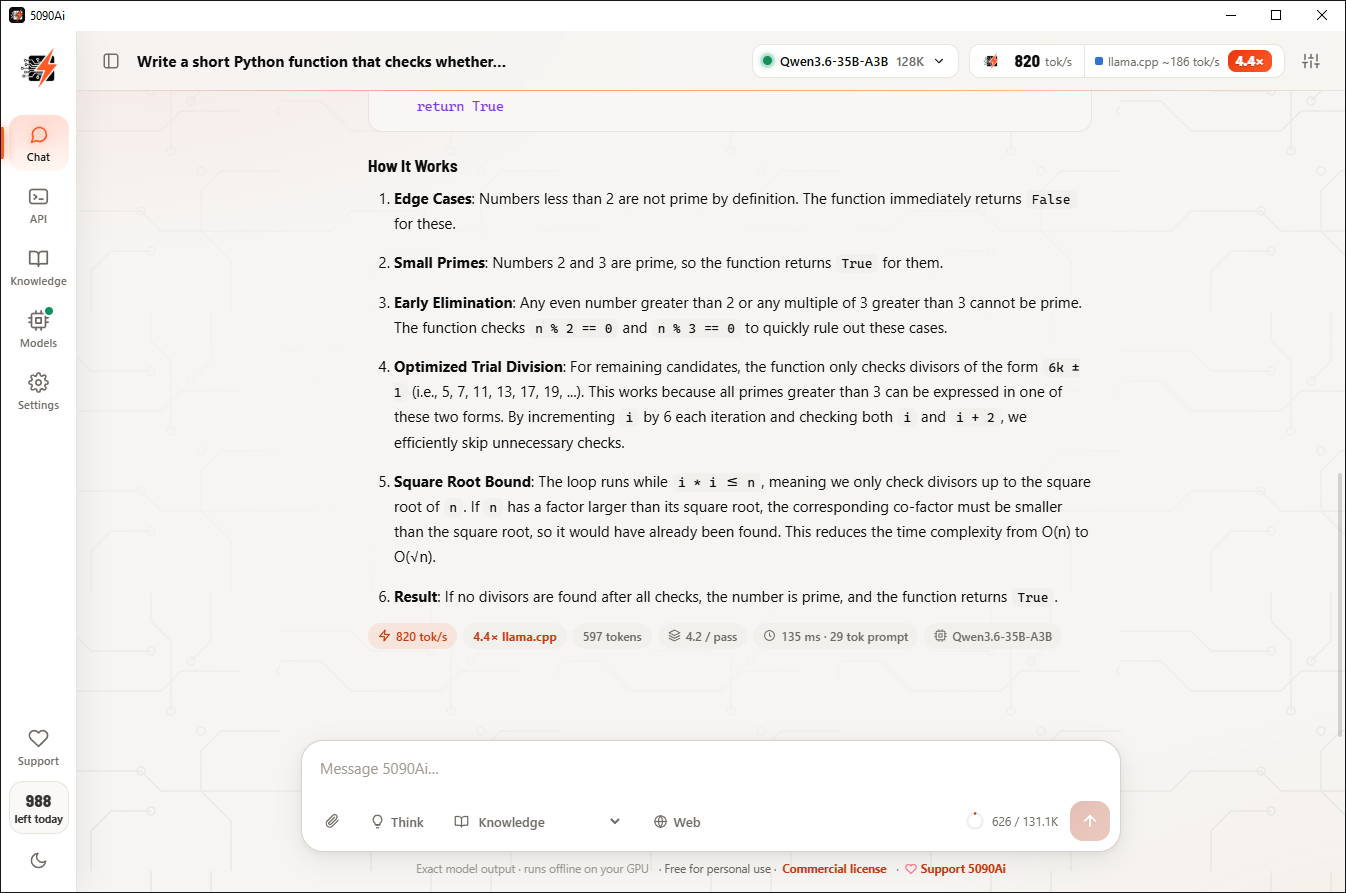
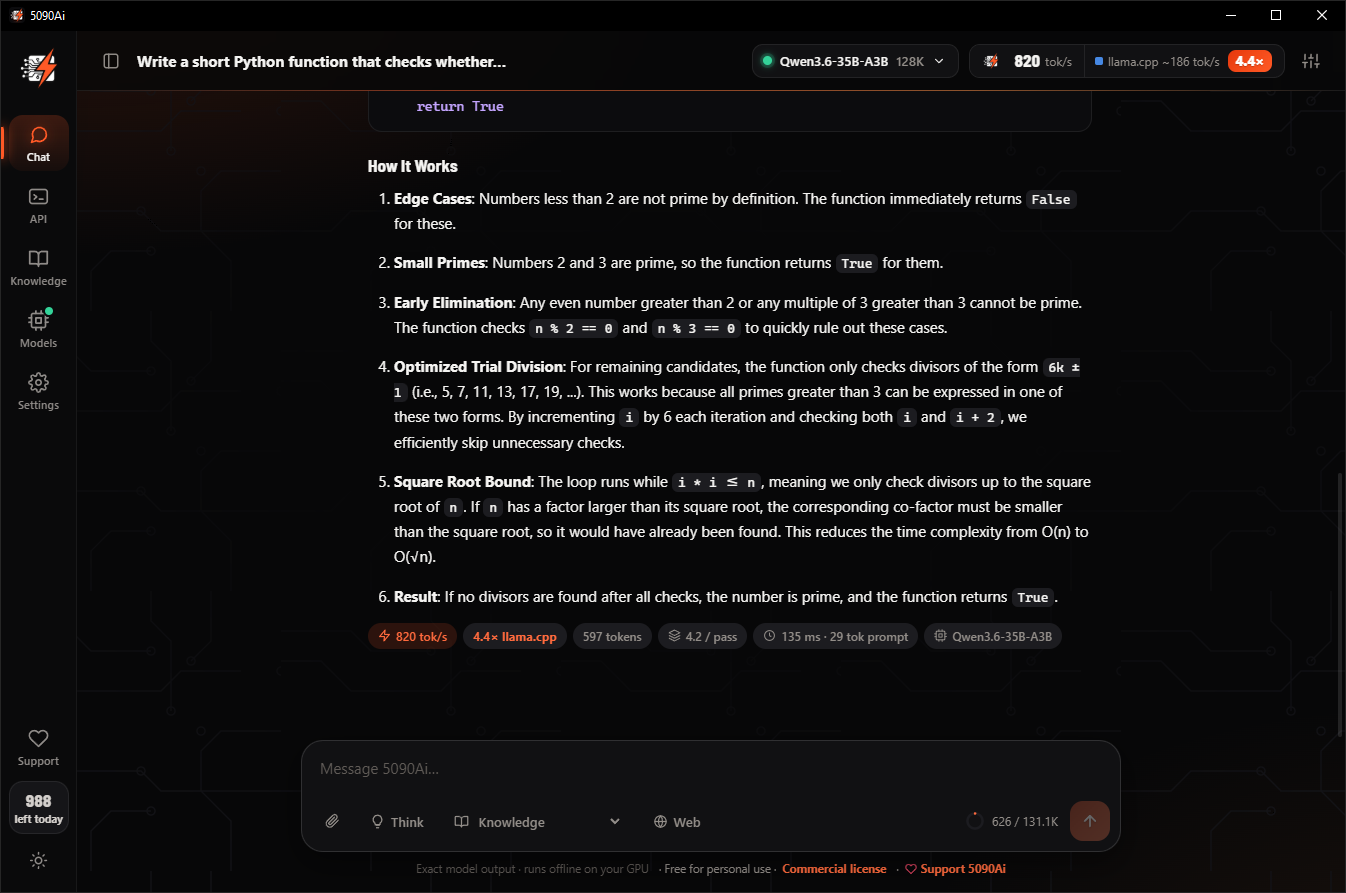
Every reply shows its own speed. In this screenshot, a full answer with code came in at 820 tokens per second, 4.4× standard llama.cpp on the same card.
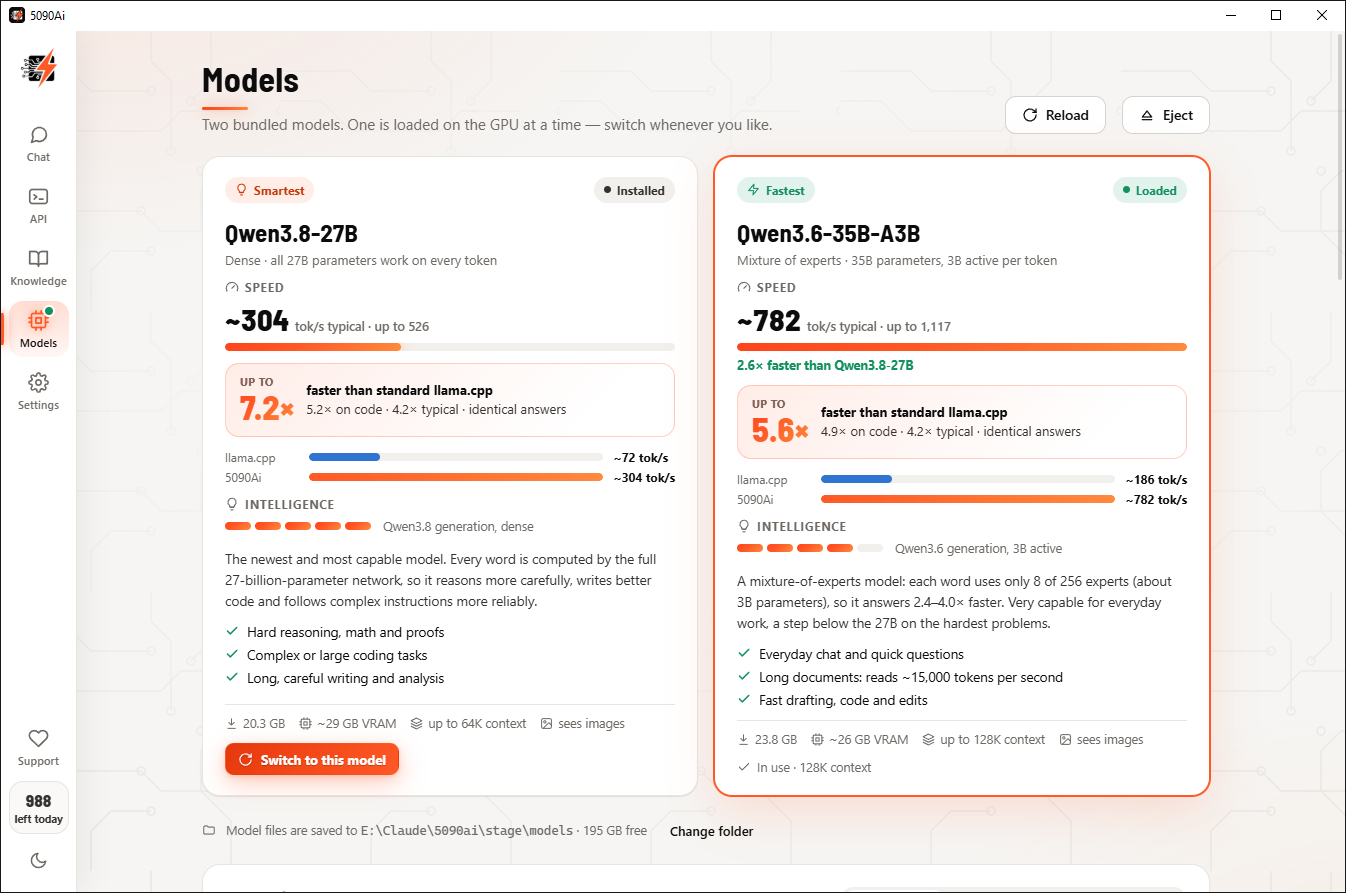
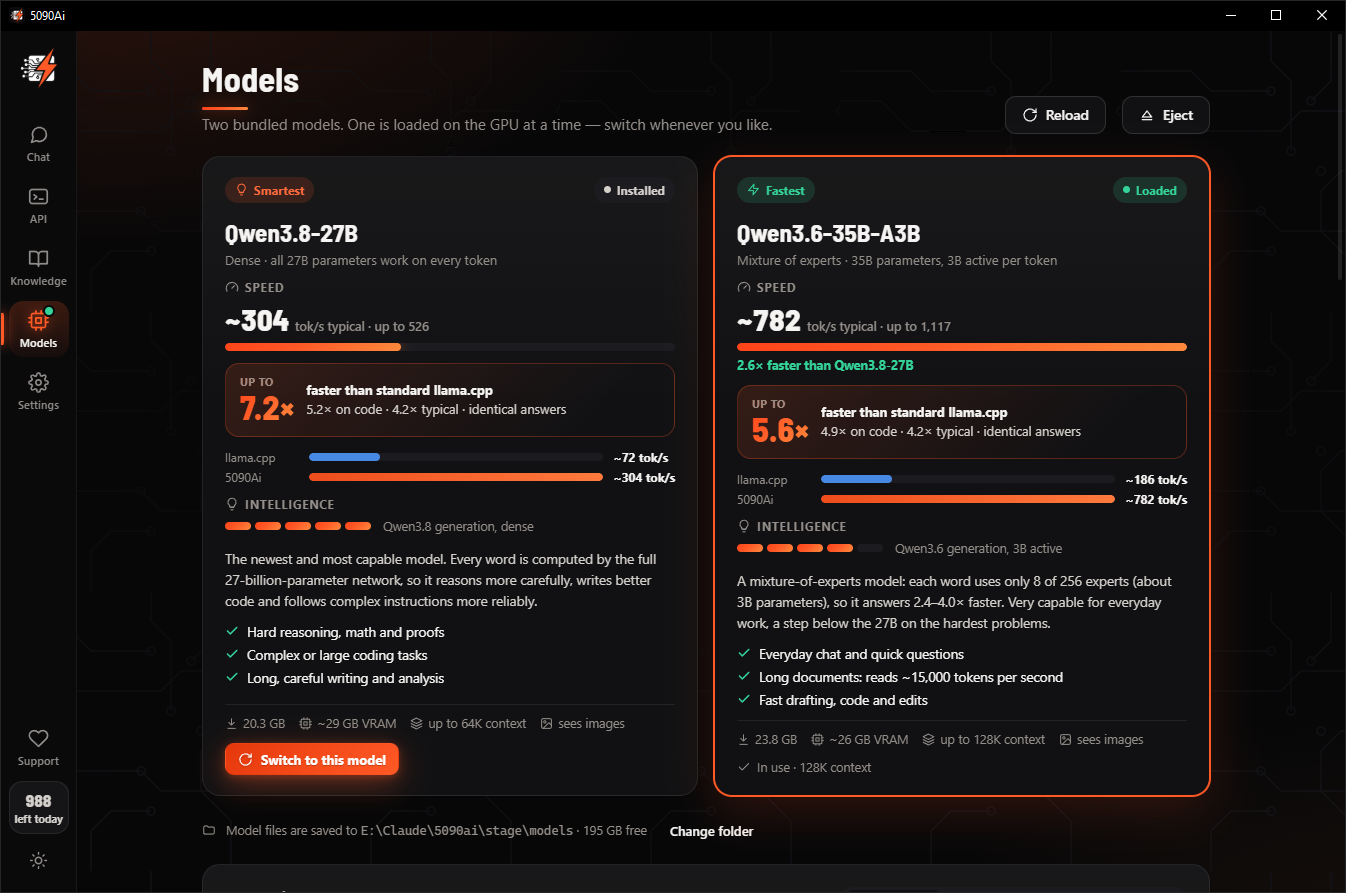
Qwen3.8-27B puts all 27 billion parameters to work on every token. Qwen3.6-35B-A3B uses about 3 billion of its 35 billion per token and answers even faster. Switch between them in about a minute.
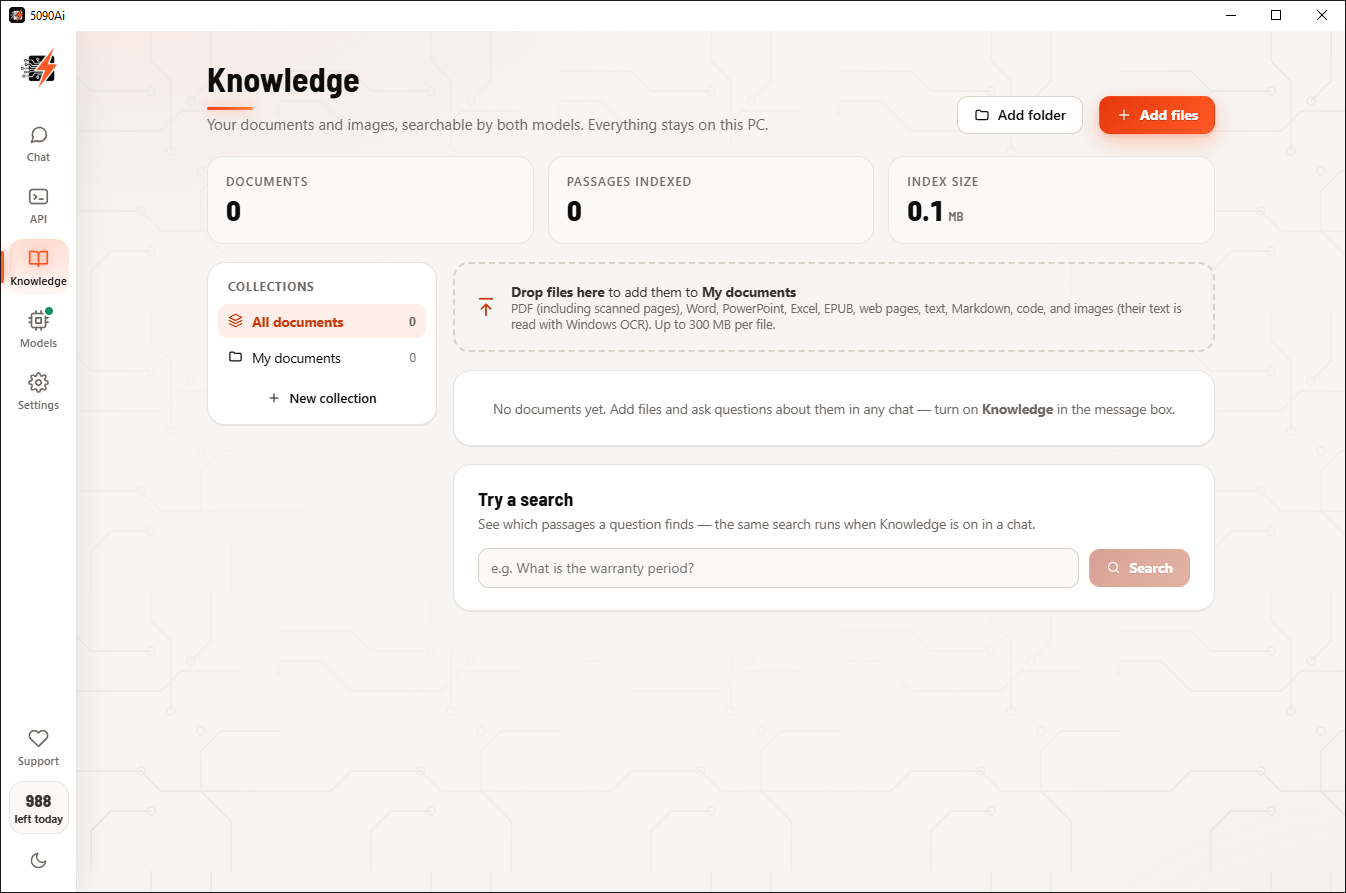
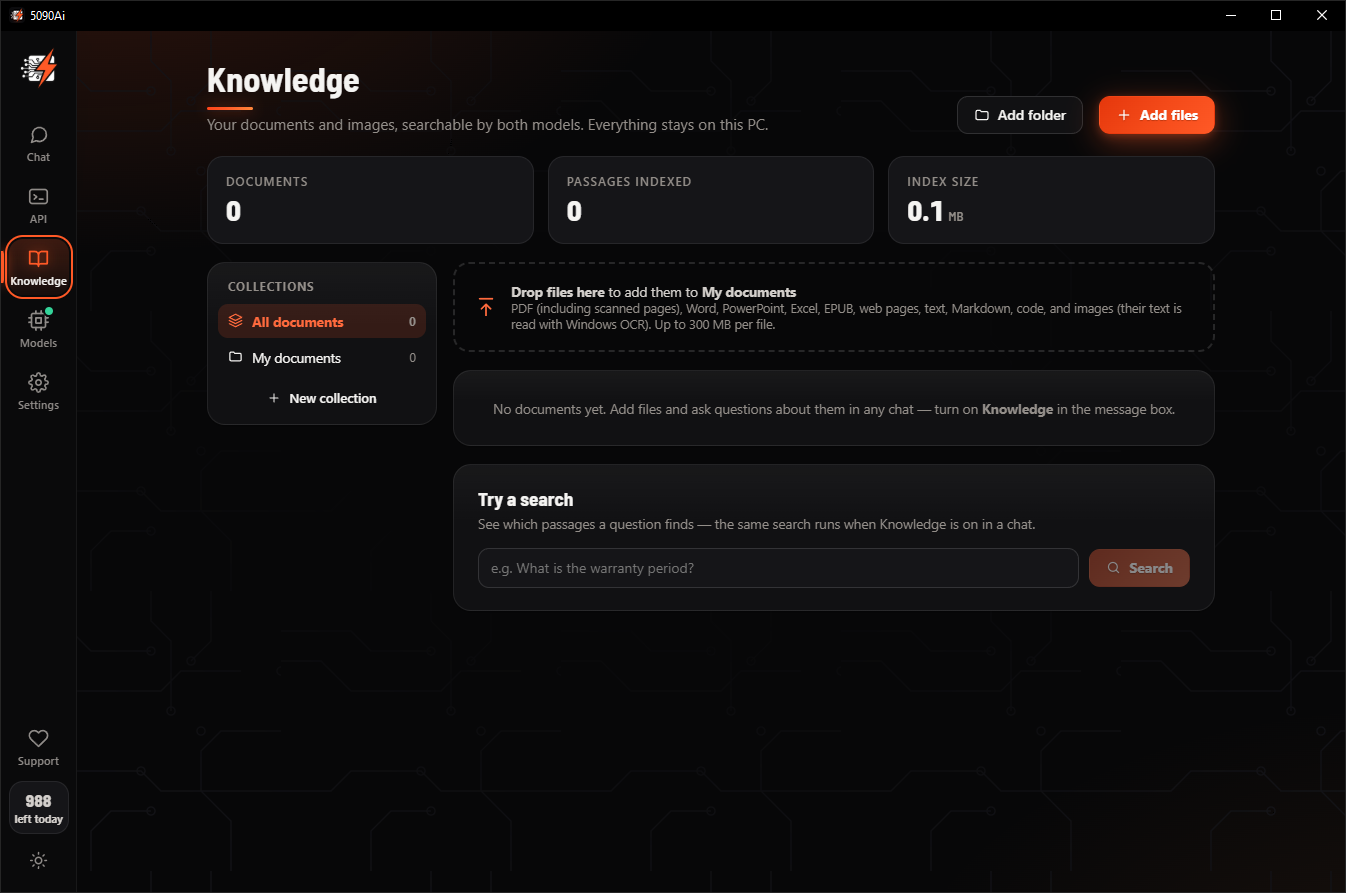
Add PDFs (scanned ones too), Word, PowerPoint, Excel, EPUB, web pages, code and images. 5090Ai indexes them on your GPU and answers with the sources it used.
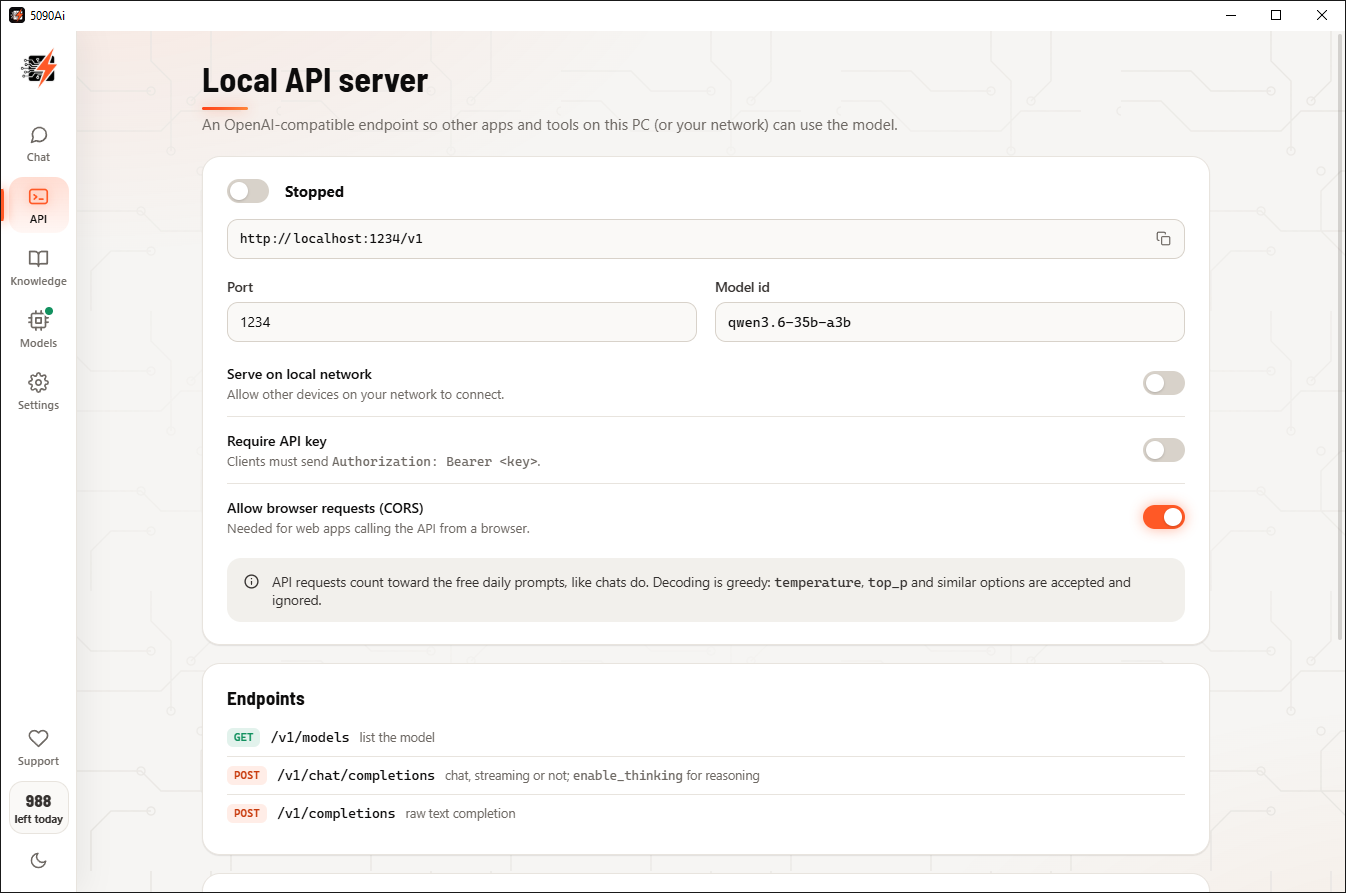
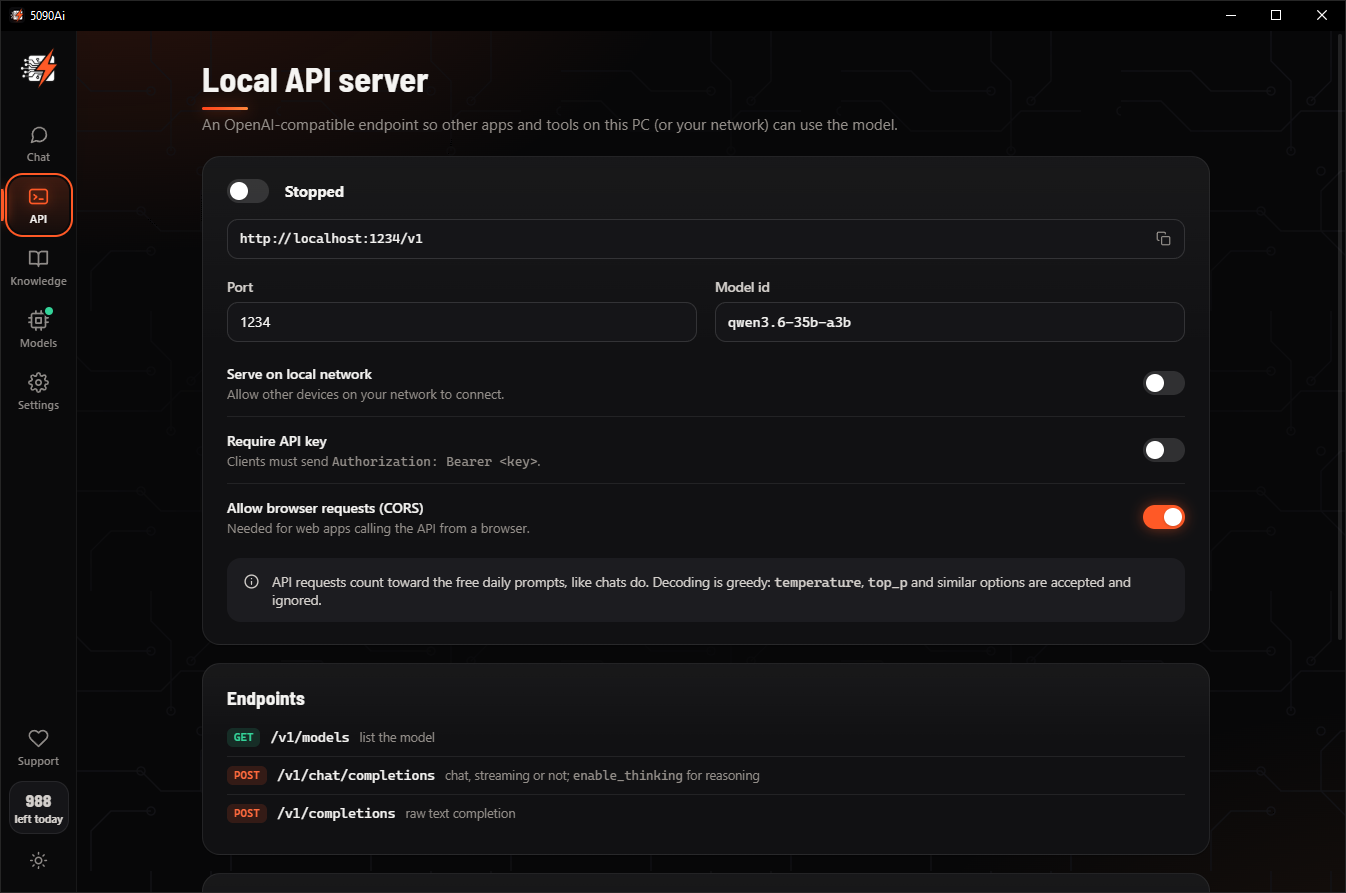
Point your tools, scripts and editors at http://localhost:1234/v1 and they get the same speed: chat, completions and embeddings, with streaming.
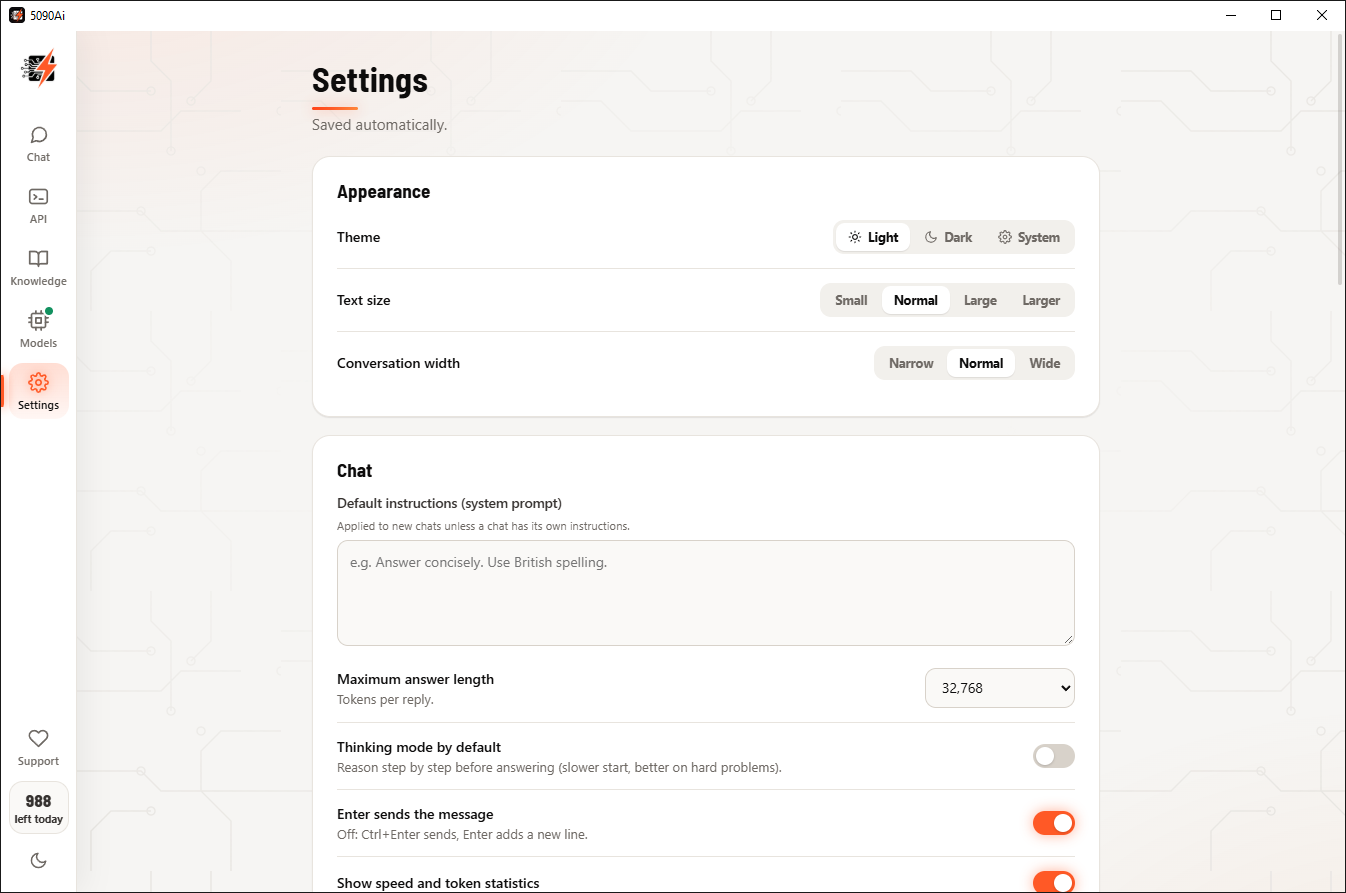
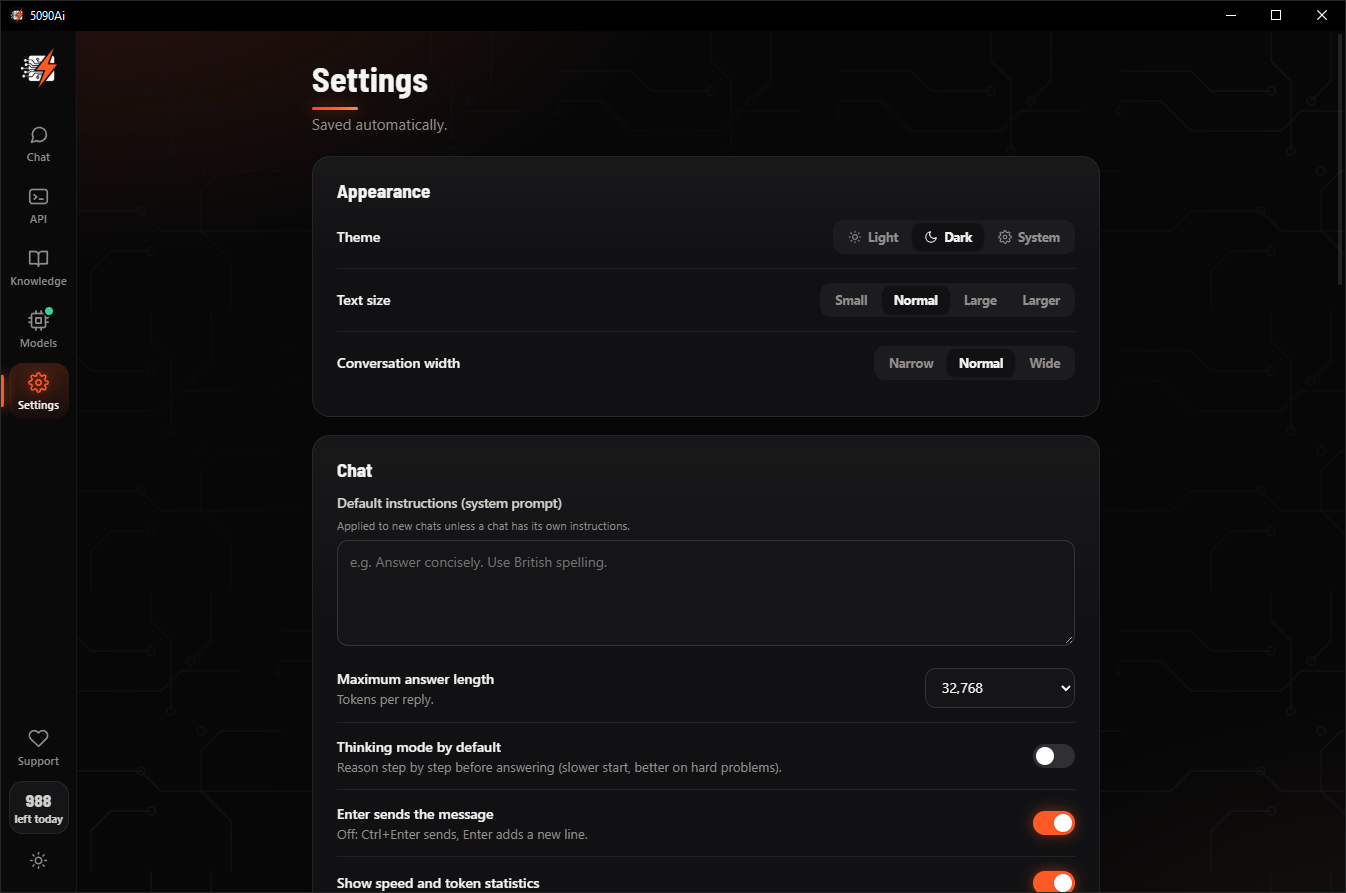
Light or dark, any text size, your own default instructions. Choose which RTX 5090 runs the engine, where the model files live, and how many connections downloads use.
Both run fully on your RTX 5090. One is loaded at a time; switching takes about a minute.
Dense: all 27 billion parameters work on every token. Hard reasoning, complex code, careful writing.
Mixture of experts: 8 of 256 experts, about 3 billion parameters, per token. Everyday work at full tilt.
Get the free Windows installer with the app and its engine.
The installer checks for your RTX 5090 and driver, then sets everything up.
Smartest or fastest. The app downloads it with a live progress monitor.
Chat, code and search your documents at up to 7.2× the speed.
Full speed, both models and every feature. No account, no ads, no catch.
Using 5090Ai for business? Unlock unlimited use for commercial and enterprise work inside the app. Love it? Support the project with a donation from the app's Support button.
NVIDIA GeForce, 32 GB. It doesn't have to be your main GPU.
With CUDA 12.9 support, from nvidia.com.
64-bit, 24 GB of RAM or more recommended.
For both models and the knowledge model; 20–24 GB for one.
No, the quality stays the same. The speed comes from two places: a fully custom inference engine built for the RTX 5090, and Qwen models that were completely retrained so they can be sped up significantly without losing any quality or knowledge. They're Q4 (4-bit) quantized, very capable, and there's no smaller model. See Lossless by design.
Yes, for personal use, with the full speed and both models: up to 1,000 prompts per day. Businesses and other commercial or enterprise users unlock unlimited use with a lifetime license inside the app.
On an RTX 5090 with the same prompts for both engines: greedy decoding, 512 new tokens, llama.cpp b11457 with its default settings. "Up to 7.2×" is the fastest task (code editing on Qwen3.8-27B); typical speed-ups are about 4.2×. Each model is compared with llama.cpp running that same model. Every result is on the Benchmarks page.
No. The models run on your graphics card. The app only contacts our servers to download model files, to count the free daily prompts and for licenses or donations. Web search, when you switch it on, contacts search engines directly.
Yes. The built-in Local API server is OpenAI-compatible at http://localhost:1234/v1, with chat, completions and embeddings.
Inside the app: the Support button (heart) for donations, and Settings → License for a commercial license. Both open a secure Stripe checkout in your browser.
That's fine. Settings lists every GPU in your PC; choose the RTX 5090 and the engine runs on it.
Tell us what you think of 5090Ai, report a problem, ask about commercial use, or suggest the next GPU or model. We read every message.